Scope
Scope determines which URLs and endpoints the scanner is allowed to explore and test. This guide explains how scope is defined, how include and exclude rules are applied, and a few tips for configuring it correctly.
How scope works
Section titled “How scope works”Scope is controlled by two types of rules:
- Include rules define which URLs are allowed to be explored and tested.
- Exclude rules remove URLs that would otherwise be included.
A URL is in scope if it matches at least one include rule and does not match any exclude rules.
These rules are configured through three settings:
| Setting | Creates |
|---|---|
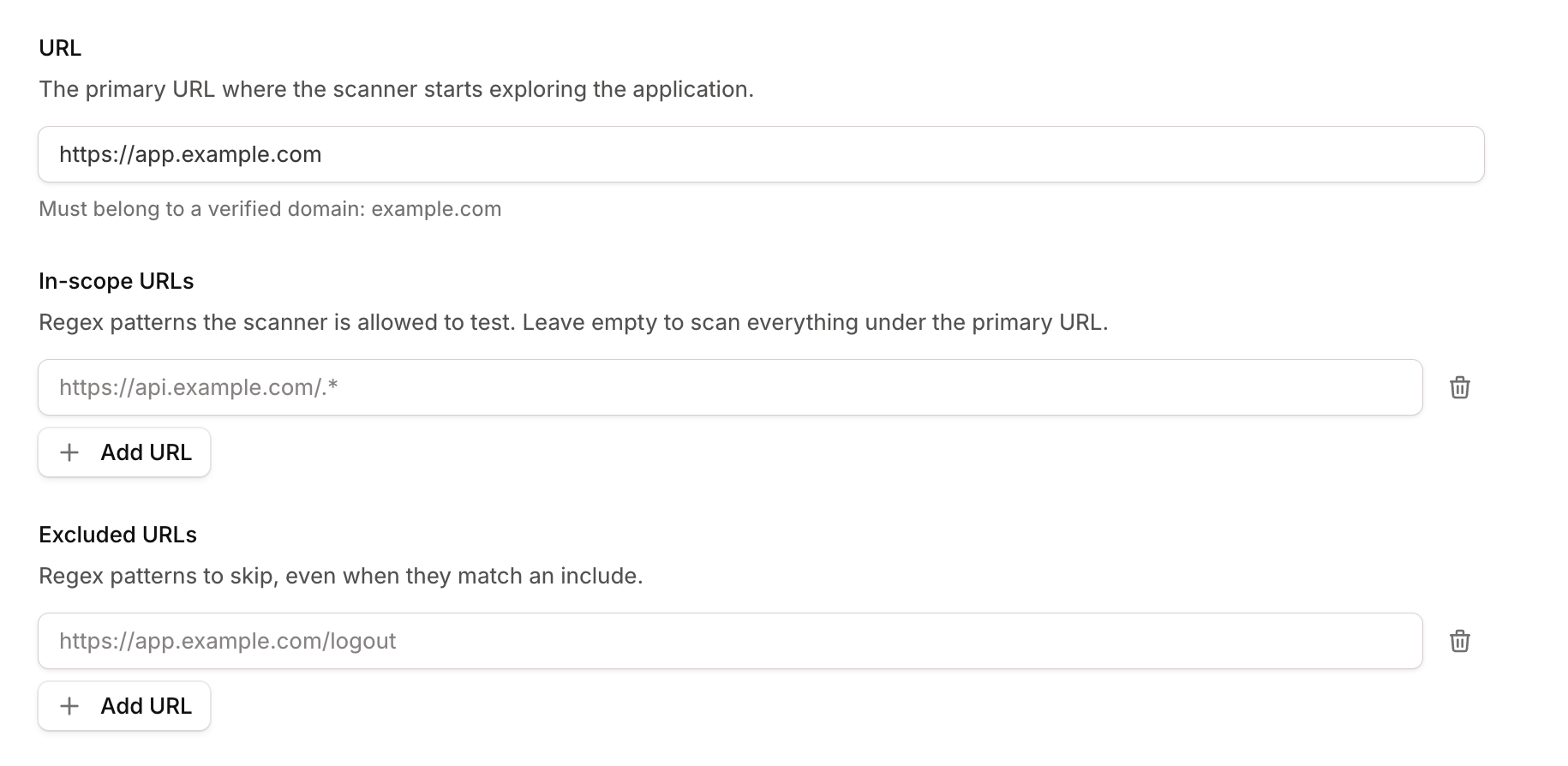
| Application URL | An exploration seed and an include rule |
| In-scope URLs | Additional include rules |
| Excluded URLs | Exclude rules |
Application URL
Section titled “Application URL”The application URL is both where the app exploration starts and the first include rule. If the application URL is set to https://app.example.com, the scanner will begin exploration from that URL and treat everything beneath it as in scope by default. For most scans, this is the only scope setting you’ll need to configure.
In-scope URLs
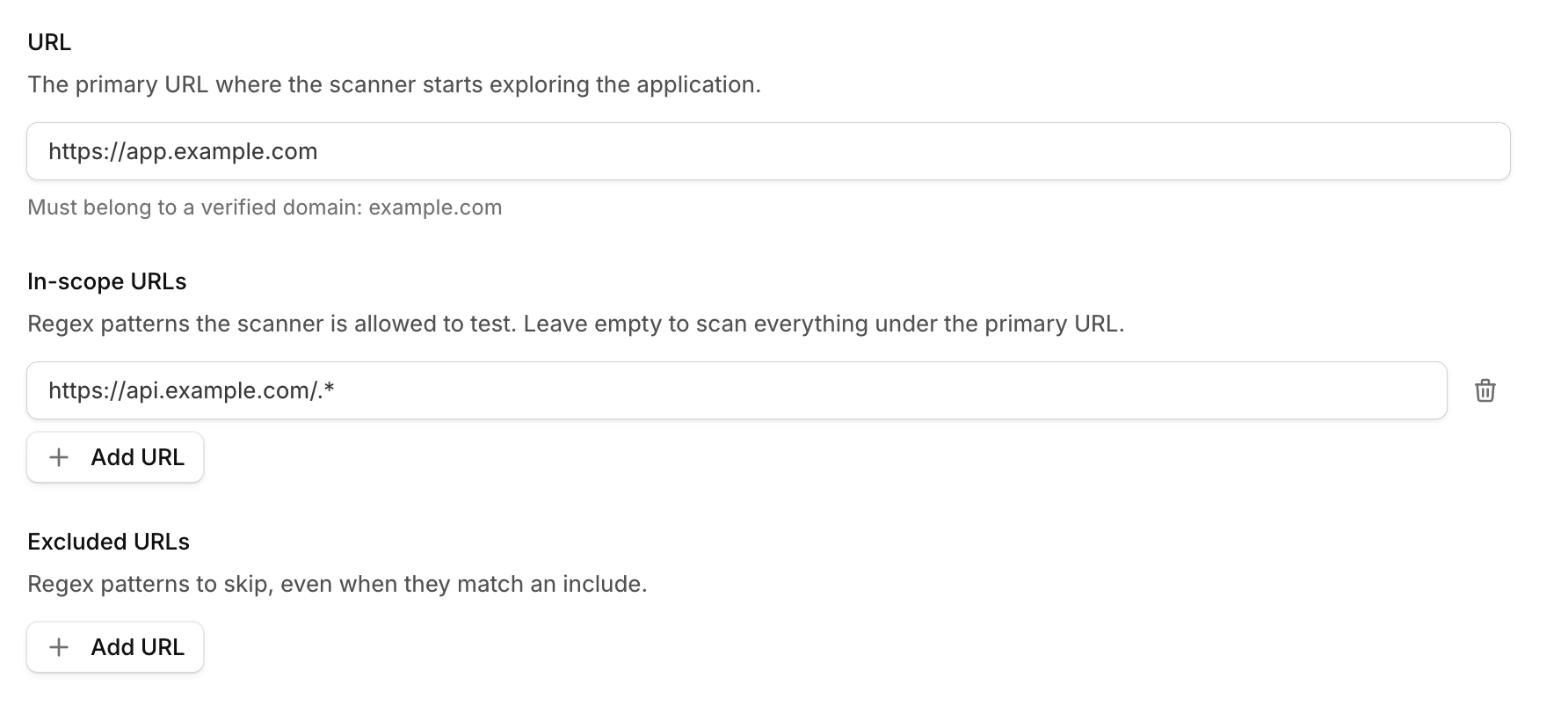
Section titled “In-scope URLs”In-scope URLs create additional include rules that allow you to expand the scope beyond what is covered by the application URL. Suppose your frontend app is hosted at https://app.example.com and its API is hosted at https://api.example.com. If the application URL is set to https://app.example.com, then only URLs under app.example.com are in scope by default. Even if the frontend makes requests to api.example.com, the API is on a different host, so it’s considered out of scope for testing and active exploration.
To include the API in the scan, add an in-scope URL regex pattern such as https://api.example.com/.*
Excluded URLs
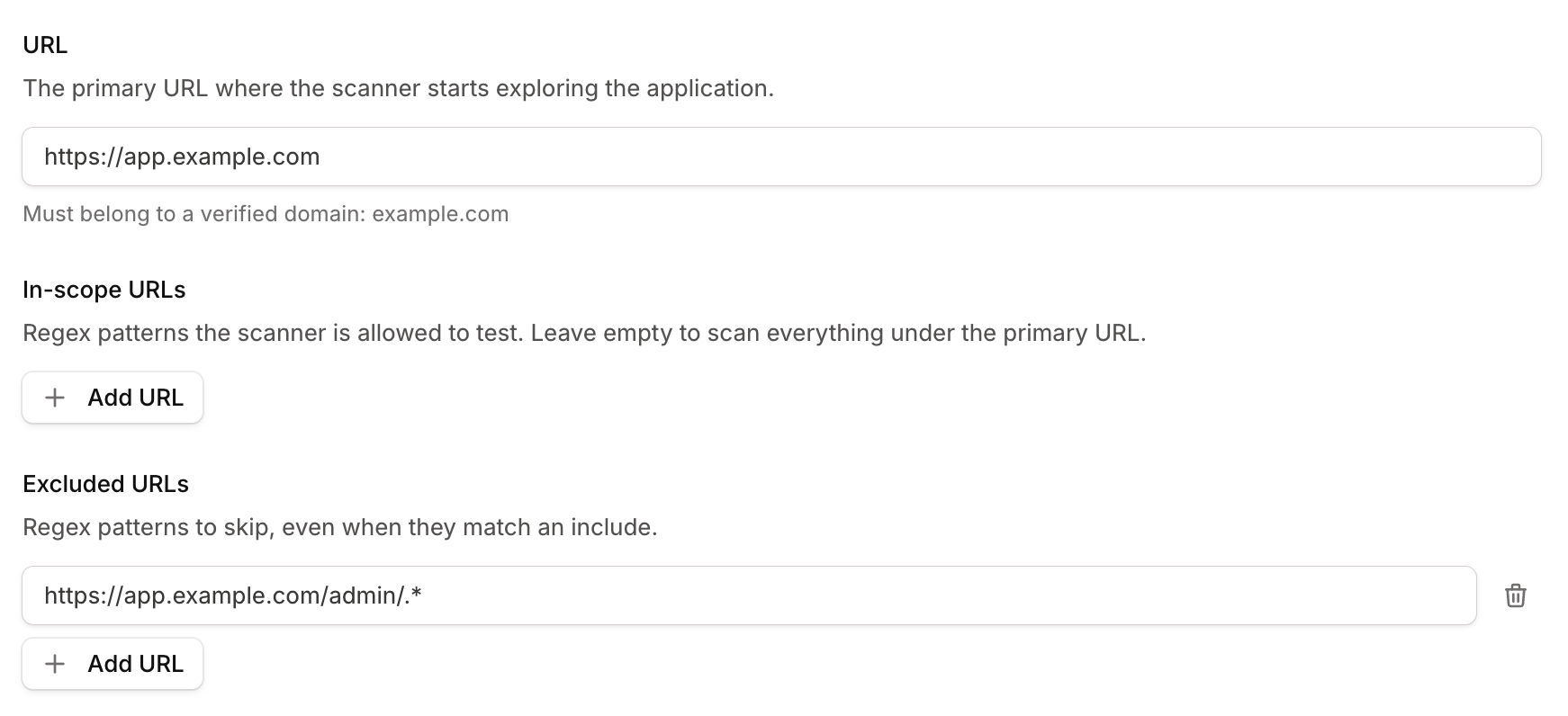
Section titled “Excluded URLs”Excluded URLs create exclude rules that remove URLs from scope. For example, if your application is hosted at https://app.example.com and you want to test the entire application except the administrative area, you can add an exclude URL such as https://app.example.com/admin/.*. Any URL matching that pattern will be excluded from the scan, even if it would otherwise be in scope through the application URL or an in-scope URL.
How patterns are matched
Section titled “How patterns are matched”In-scope and excluded URLs are matched as regular expressions, against the full URL from beginning to end.
https://api.example.com/adminmatches only that exact URL not/admin/config. If you want a subtree, include it in the regular expression (e.g.https://api.example.com/admin/.*).- The scheme, subdomain, and port are part of the match too:
https://example.com/.*does not matchhttp://example.com,https://example.com:8443, orhttps://api.example.com. Add a pattern for each non-standard port or hostname your app spans. - A bare path like
/admin/.*matches nothing, because the match is applied against the full URL. Always include the scheme and host in your patterns.
Exclude always wins
Section titled “Exclude always wins”An excluded URL beats any overlapping include. This makes it straightforward to remove a small set of URLs from a larger include.
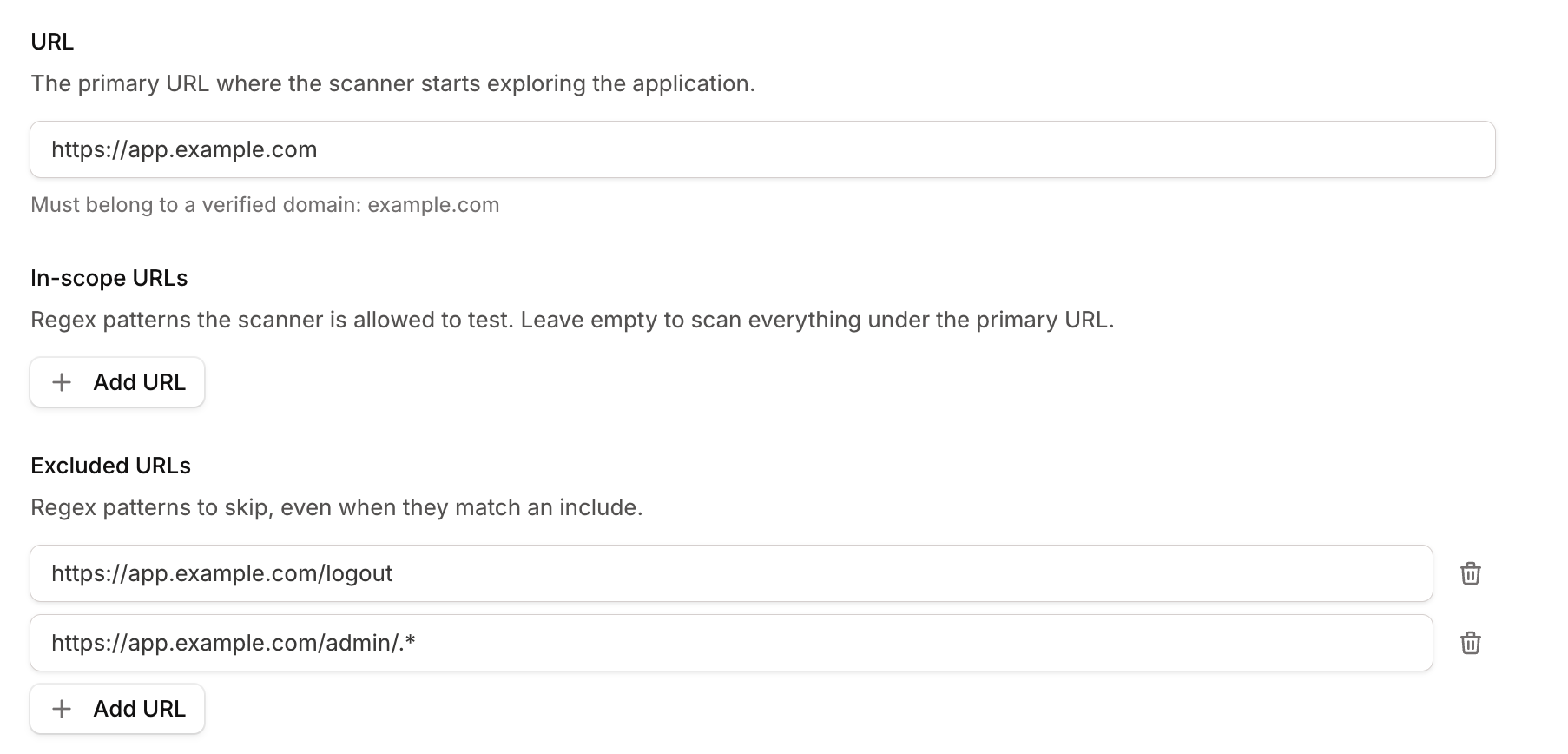
Excluded URLs are the right tool for keeping the scanner away from:
- Session-destroying links (e.g.
/logout,/signout) - Destructive actions (e.g.
/delete,/admin/purge) - Crawler traps (e.g. infinite calendars, faceted-search permutations)
- Slow or fragile endpoints.
Third-party resources
Section titled “Third-party resources”Unlike your API or app hosts, which must be explicitly added to scope, third-party resources like fonts, analytics scripts, and CDN assets are automatically loaded by the scanner, but they are not actively explored or attacked, so they do not need to be added to scope.
The scanner drives a real browser, so these dependencies load automatically to fully render the page. They’re treated as out-of-scope dependencies: fetched as needed for the application to work correctly, but never actively explored or attacked. Also, since scope is limited to domains you’ve verified ownership of, CDNs and other external services can’t be added anyway.
Authentication and scope
Section titled “Authentication and scope”The login page URL is not governed by the scope, so you don’t need to add the login URL to the in-scope URLs list for the scanner to log in. But do make sure the post-login area you actually want tested is in scope.