Install applications
Workspace admins can install software on managed Macs and Windows PCs from the Oneleet Dashboard. Upload an installer to your app catalog once, then install it on any device.
Linux isn’t supported, and applications can’t be uninstalled remotely.
Add an installer to the app catalog
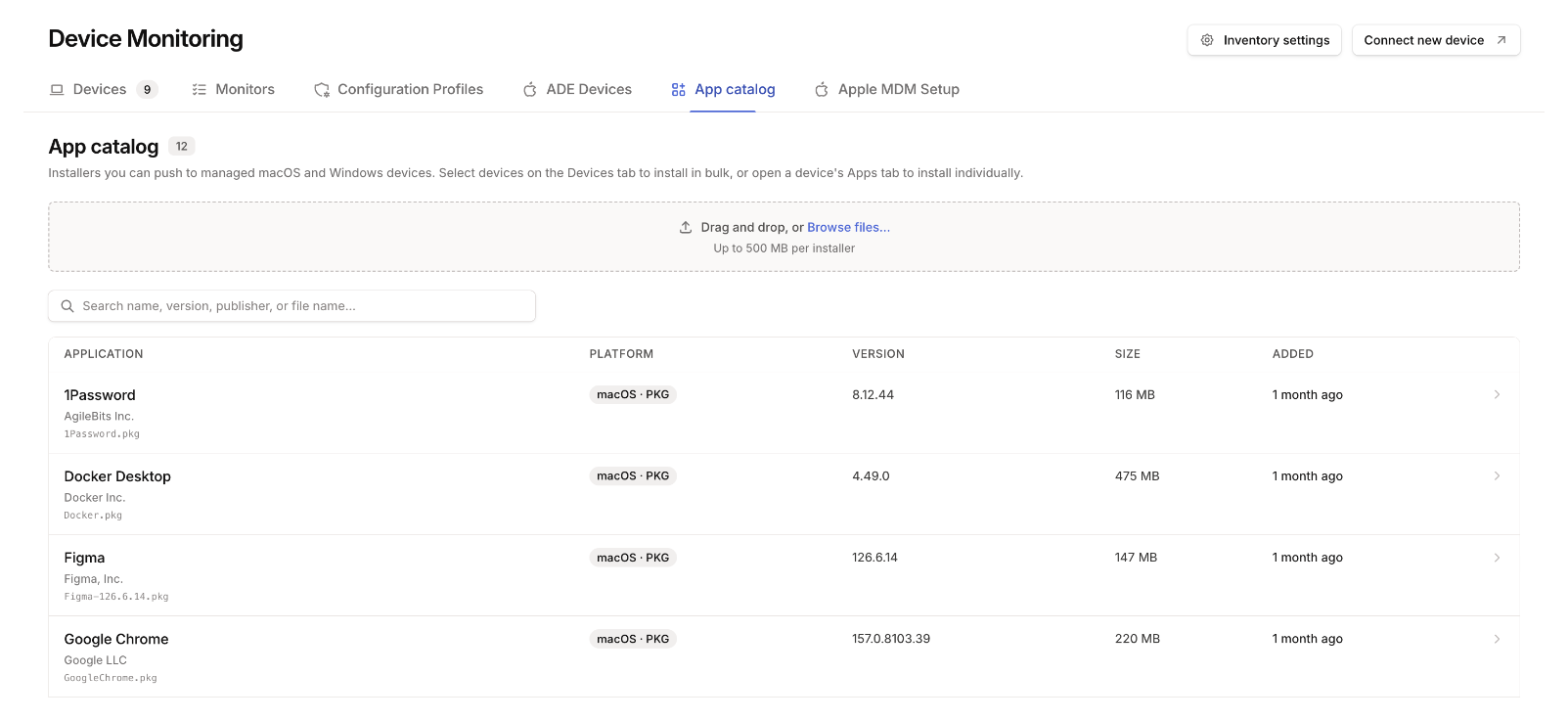
Section titled “Add an installer to the app catalog”On the Devices page, open the App catalog tab and upload the installer. Give it a name, and set the options it needs to install without anyone clicking through it.
| Platform | Formats | Options |
|---|---|---|
| macOS | .pkg, .dmg |
Which parts of a .pkg to install, or which app to install from a .dmg |
| Windows | .msi, .exe, .msix, .msixbundle, .appx, .appxbundle |
Installer properties for an .msi. Silent-install arguments, such as /S, are required for an .exe. |
An installer can be up to 500 MB.
Install on a device
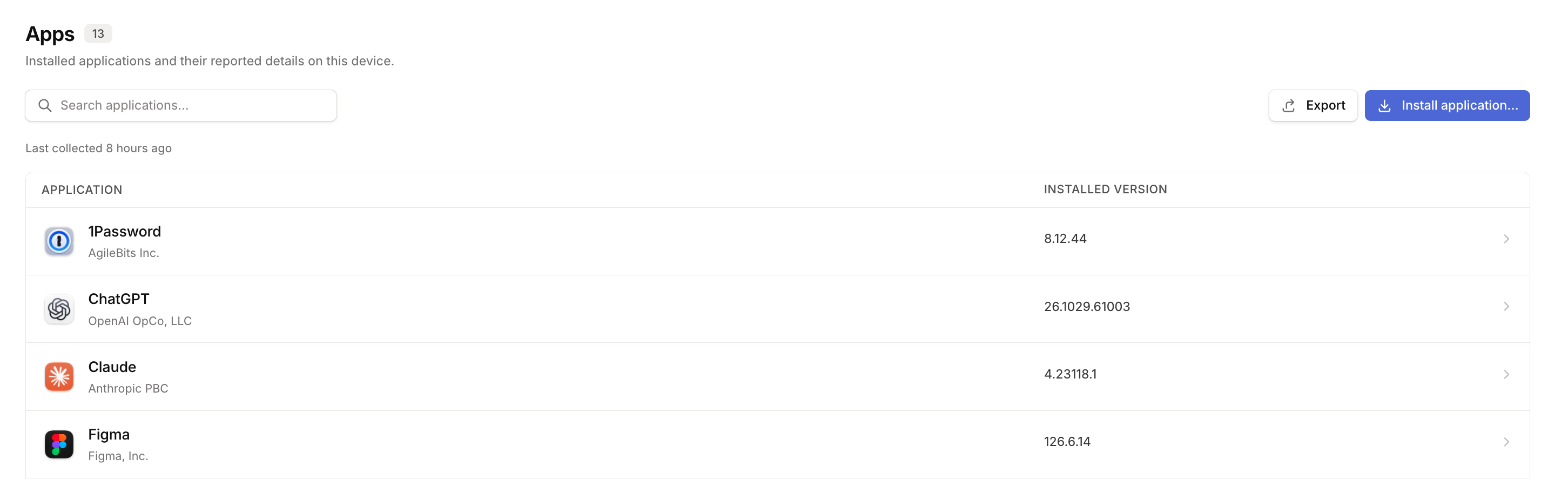
Section titled “Install on a device”Open the device, go to its Apps tab, and click Install application…. Tick the applications to install and click the install button, which shows how many you picked.
The result appears in the device’s activity log.
Install on several devices
Section titled “Install on several devices”On the Devices tab, tick the devices and choose Install applications.
To update an application wherever it’s out of date, open it in Software inventory, tick the old versions, select the devices, and install the current version.